Does an Online-Only Shop Qualify for Google Business Profile?
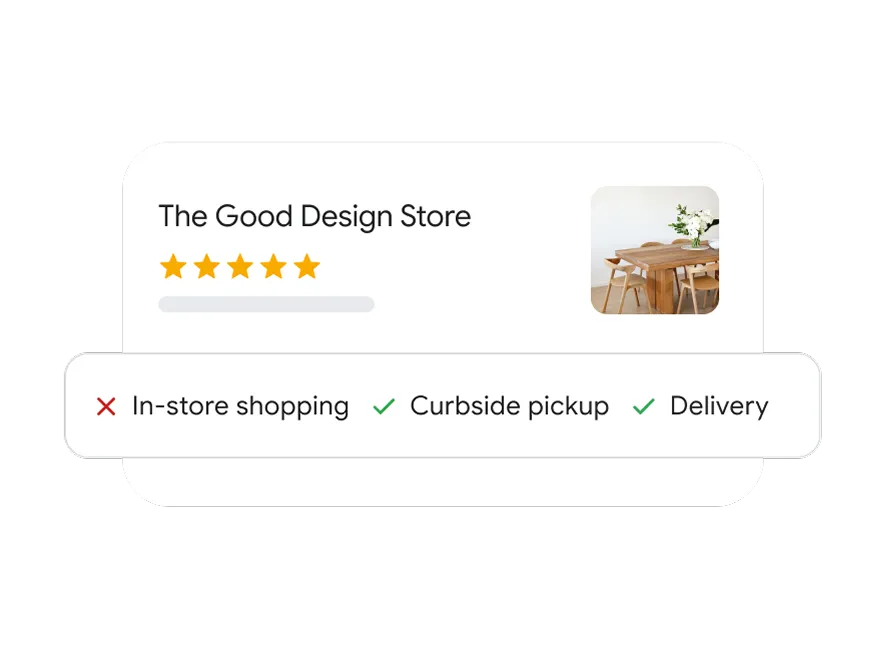
Google Business Profile is intended for eligible businesses that interact with customers in person. Selling through a website alone does not automatically make a business eligible for a Maps listing.
Make the task clear
Check eligibility before investing time in a listing. A real storefront and an eligible service-area business have different presentation needs. Do not invent a public shopfront or use an unrelated address to pass verification.
A practical sequence
- Read the official eligibility guidance for the way your business actually operates.
- Distinguish customer visits from delivery or service at customer locations.
- Use accurate name, contact and location information where eligible.
- For an online-only operation, focus on appropriate website and commerce channels instead.
An example to recognise
An online stationery seller dispatches parcels but does not receive customers at the home address. That seller should not describe the home as a walk-in shop merely to appear on Maps.
Before you finish
Eligibility and verification are separate. Completing a form does not guarantee approval or search visibility.
Review the result as a new customer would see it. Check the public details on a phone and compare them with the way the business actually operates. A useful digital routine should leave fewer unanswered questions; it is not a guarantee of sales or a substitute for fulfilling the promise you make.