Build a WhatsApp Catalog That Answers the First Five Questions
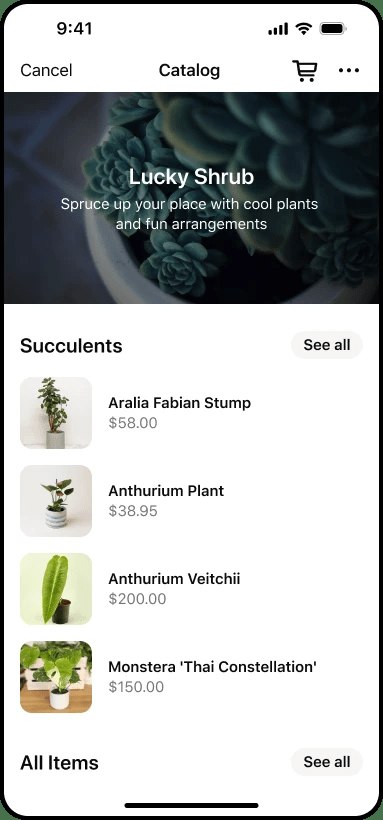
A product photo alone rarely answers what a customer needs to know. A useful catalog entry reduces uncertainty about the item, variant, price basis, availability and next step.
Make the task clear
Start with a small range you can keep accurate. A long catalog with stale details creates more work than a short one that reflects what you can actually supply. Separate product information from order confirmation.
A practical sequence
- Use an identifiable product name and a clear photograph of the actual item.
- Specify the relevant size, material, quantity or service scope.
- Explain what the displayed price includes and which details require confirmation.
- Review availability and provide a clear way to ask about the item before committing.
An example to recognise
A home textile seller lists a cushion cover as a cover only, with dimensions and available colours. That prevents the hero photograph from implying a filling is included.
Before you finish
A catalog is not proof of stock or payment. Confirm the final order details in the conversation and use your own or licensed photos.
Review the result as a new customer would see it. Check the public details on a phone and compare them with the way the business actually operates. A useful digital routine should leave fewer unanswered questions; it is not a guarantee of sales or a substitute for fulfilling the promise you make.