Turn a Chat Enquiry into a Clear Order Summary
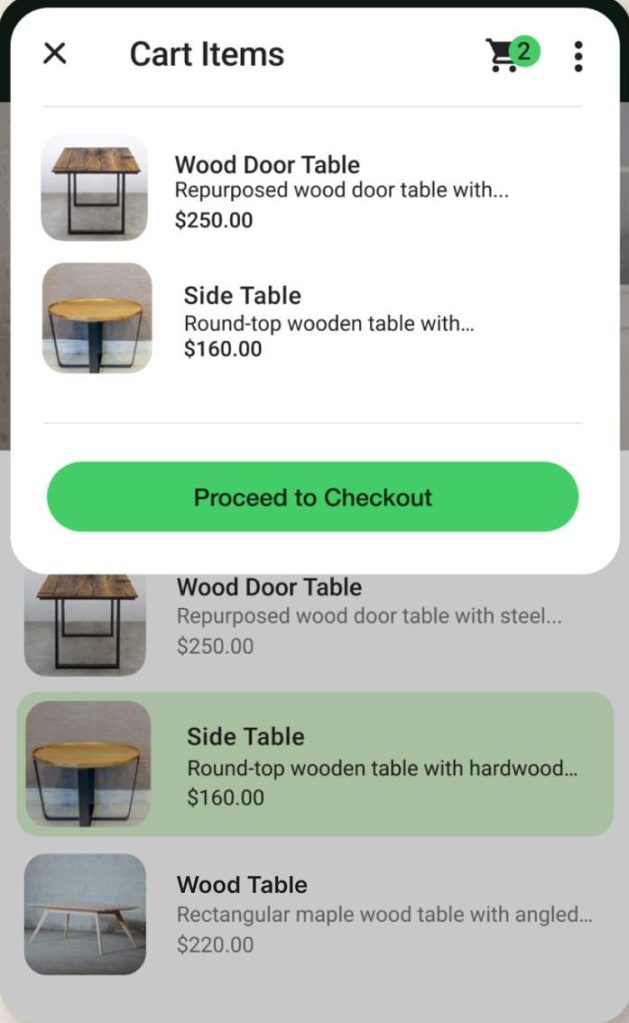
A long chat can scatter important details across several messages. Before treating an enquiry as an order, collect the agreed item, quantity, fulfilment method and next step into one summary.
Make the task clear
The summary is a coordination tool, not a replacement for whatever invoice, tax or consumer obligations apply to your business. Keep operational details precise and avoid assuming that a thumbs-up resolves every ambiguity.
A practical sequence
- List the item and variant using the same name as the catalog.
- Confirm quantity and the agreed price basis.
- State pickup or delivery arrangements and the expected timeframe.
- Ask the customer to confirm the summary and record later changes clearly.
An example to recognise
A cake enquiry changes from one size to another during the chat. The seller sends a fresh final summary rather than relying on the first message.
Before you finish
Only collect information needed to fulfil the order. Keep payment verification in your authorised payment system.
Review the result as a new customer would see it. Check the public details on a phone and compare them with the way the business actually operates. A useful digital routine should leave fewer unanswered questions; it is not a guarantee of sales or a substitute for fulfilling the promise you make.