A Product Photo Checklist for Phone-First Buyers
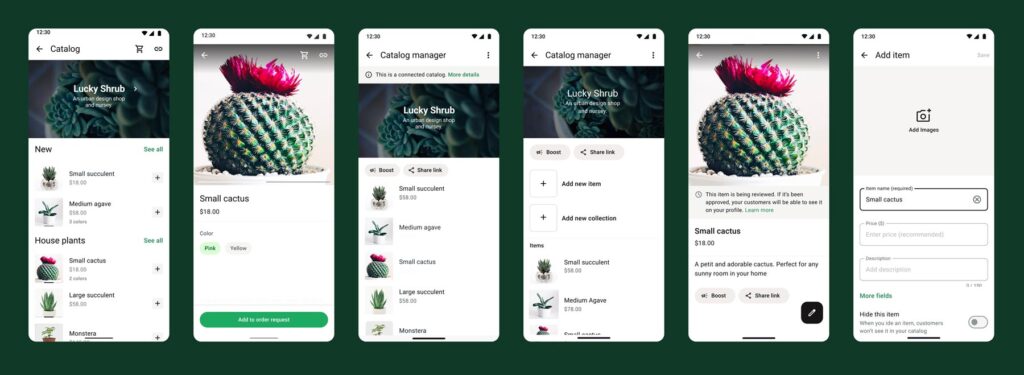
A buyer on a small screen needs to identify the product quickly. Consistent lighting and honest detail are more useful than a decorative image that hides size or condition.
Make the task clear
Plan photographs around questions. The front view identifies the item, a close view shows material or finish, and a contextual view can show scale. Avoid props that appear to be included when they are not.
A practical sequence
- Clean the product and choose a simple background with even light.
- Photograph the actual variant being offered.
- Include useful detail and a clear scale reference where appropriate.
- Open the uploaded image on a phone and check the crop and legibility.
An example to recognise
A handmade notebook seller shows the cover, binding and inside page. A pen in a lifestyle photo is marked as a prop unless it is part of the bundle.
Before you finish
Do not remove defects or materially change colour to make the item look better. Obtain rights for any third-party image.
Review the result as a new customer would see it. Check the public details on a phone and compare them with the way the business actually operates. A useful digital routine should leave fewer unanswered questions; it is not a guarantee of sales or a substitute for fulfilling the promise you make.