Keep Google Business Hours Accurate During Festival Weeks
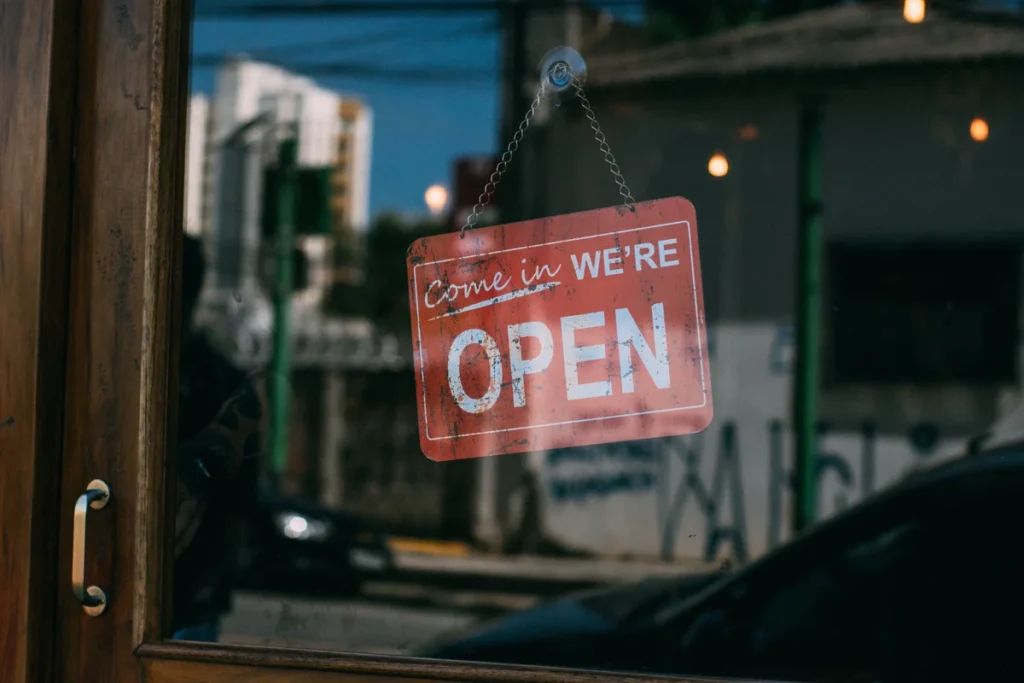
Customers may check your opening hours before travelling. Festival weeks and local closures make it especially important to compare your actual schedule with what the profile displays.
Make the task clear
A profile is useful when it describes the real business. Do not create extra listings for the same place merely to announce a seasonal change. Use the official profile controls available to the verified manager.
A practical sequence
- Confirm the dates and actual opening arrangements with the person running the shop.
- Sign in through the Google account that manages the verified profile.
- Edit the appropriate hours using the available profile controls and save.
- Check the public result and update your website or customer messages to agree.
An example to recognise
A neighbourhood store closes early for a festival. The owner updates the profile and its pickup reply so customers do not receive two different closing times.
Before you finish
Google may review changes. A saved edit is not a guarantee of immediate visibility; inspect the public listing.
Review the result as a new customer would see it. Check the public details on a phone and compare them with the way the business actually operates. A useful digital routine should leave fewer unanswered questions; it is not a guarantee of sales or a substitute for fulfilling the promise you make.